
October 2026 Release: Content Rules, Go-Live Dates, Clones and 21 More
24 changes from member reports, live 9 October 2026: content rules, scheduled go-live, clone to a new city, bulk edit with undo, and what I didn't build.
On this page
- What Happens After You Press Report / Request?
- What Members Asked For, and Where It Lives Now
- Control What Every Page Says, and What It Doesn't
- Launch on the Day You Pick
- Copy a Working Site to a New City
- Edit Hundreds of Pages, Then Change Your Mind
- Images and Your Google Business Profile
- Search Console Is Now on Starter
- The Smaller Fixes
- Can a Site Have More Than 200 Area Pages?
- For LeadsXPro Members on Nationwide Sites
- Can Claude or ChatGPT Do All of This?
- What I Didn't Build, and Why
- Final Thoughts
24 changes shipped on 9 October 2026, and every one started as a report or request sent from inside the dashboard. Here is what members asked for, where each fix lives now, and what I left out on purpose.
What Happens After You Press Report / Request?
I often get asked if anyone reads the Report / Request button. Does a bug report go anywhere? Is a feature request worth typing, or does it sit in a queue forever?
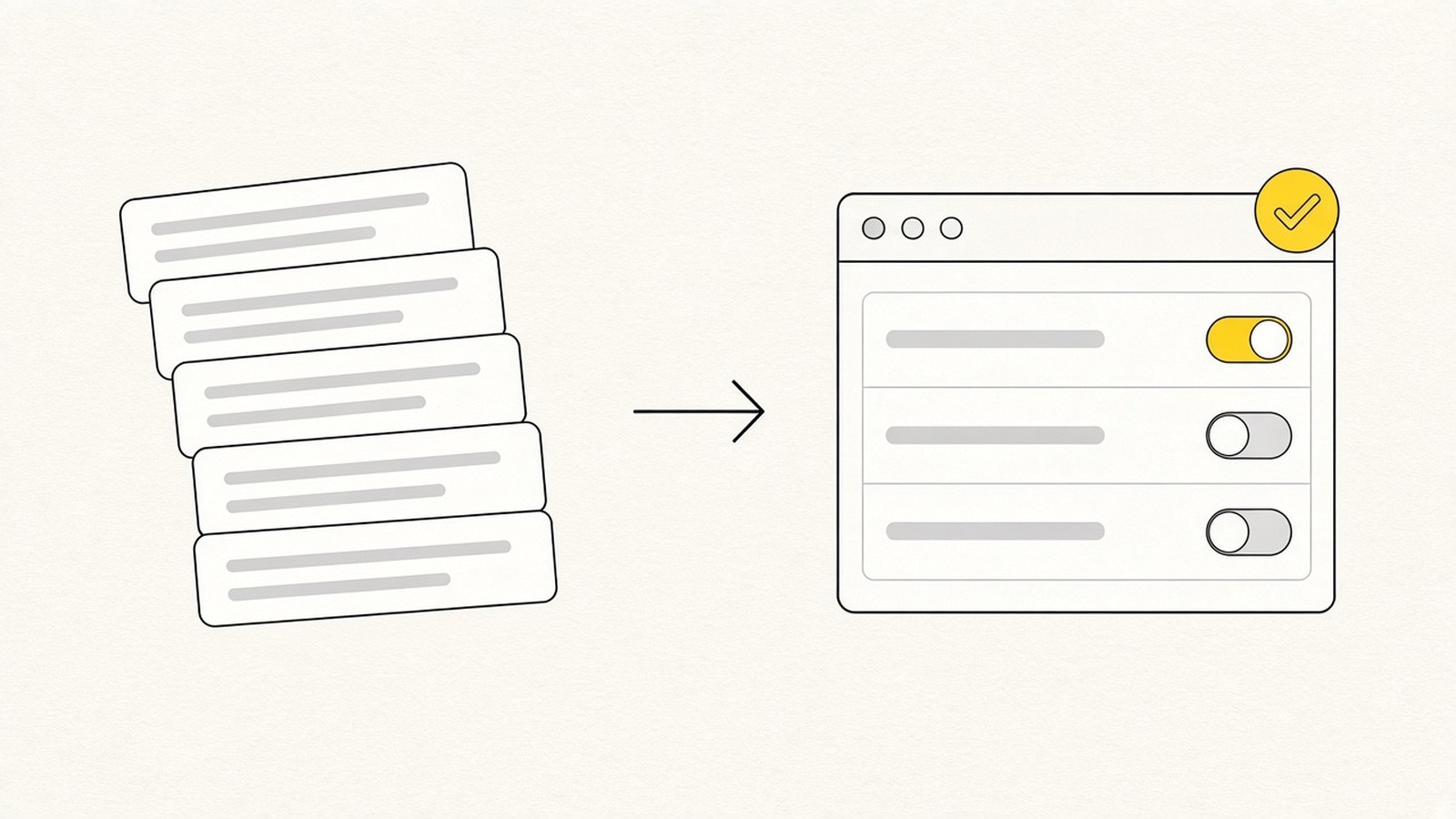
The October 2026 release of Local Sites Pro is my answer. It went live on 9 October 2026 with 24 changes. In the three weeks before that, 12 members sent 16 reports and requests from the dashboard, and this release is what came out of them.
Some were bugs. Some were things a different kind of site needs. Two of them explained the problem better than I could:
"Updating one page field replaces the whole field. Adding one sentence to an intro wipes the existing paragraphs."
"Interior pages are still injecting HomeAndConstructionBusiness schema even when I add custom Service schema. My sites are referral sites, not contractors."
Both are fixed. In this post I'll go through the changes grouped by the job they do, where to find each one, and what I didn't build. The full how-to for every item is on the dashboard Docs page.
What Members Asked For, and Where It Lives Now
These are the bigger ones. The smaller fixes are further down.
| What members asked for | What shipped | Where to find it |
|---|---|---|
| Referral sites marked up as contractors | Business schema type, "Organization", "None", "Homepage only" | Edit details → Schema, head code and footer note |
| Networks rejecting "free quote" and star ratings | Content rules, enforced three times | Account → Integrations → Content rules |
| Launch under noindex, open on a set day | Scheduled go-live | Edit details → Indexing |
| A working contact form | Web3Forms contact form on every site | Account → Integrations |
| The same site in another city | Clone to new market, Mark as template | Site row → ⋯ menu |
| One change across many pages | Bulk edit with diff preview and undo, page History | Pages → Bulk edit |
| More than 200 area pages | Unlimited area pages add-on | Plans & Billing → Add-ons |
Control What Every Page Says, and What It Doesn't
Schema Type, Head Code and Footer Note
All three sit on each site under Edit details → "Schema, head code and footer note".
Business schema type. Pick any schema.org business type, or "Organization", which has no address or hours and suits referral and connection sites, or "None". Tick "Homepage only" and the business block stays off interior pages. Service pages then carry WebPage, Service and BreadcrumbList and nothing else. That's the fix for the referral-site quote above.
Head code. Analytics, pixels and verification tags. It goes in before </head> on every page. If you use the same tag on every site, set an account-wide default under Account → Integrations and press "Apply to all my sites".
One security detail. The dashboard preview strips head code, and it only ships in the deployed files. A third-party script you paste never runs inside your dashboard.
Footer note. A plain-text line in every footer, for license numbers and disclaimers.
Content Rules: Banned Phrases That Stay Banned
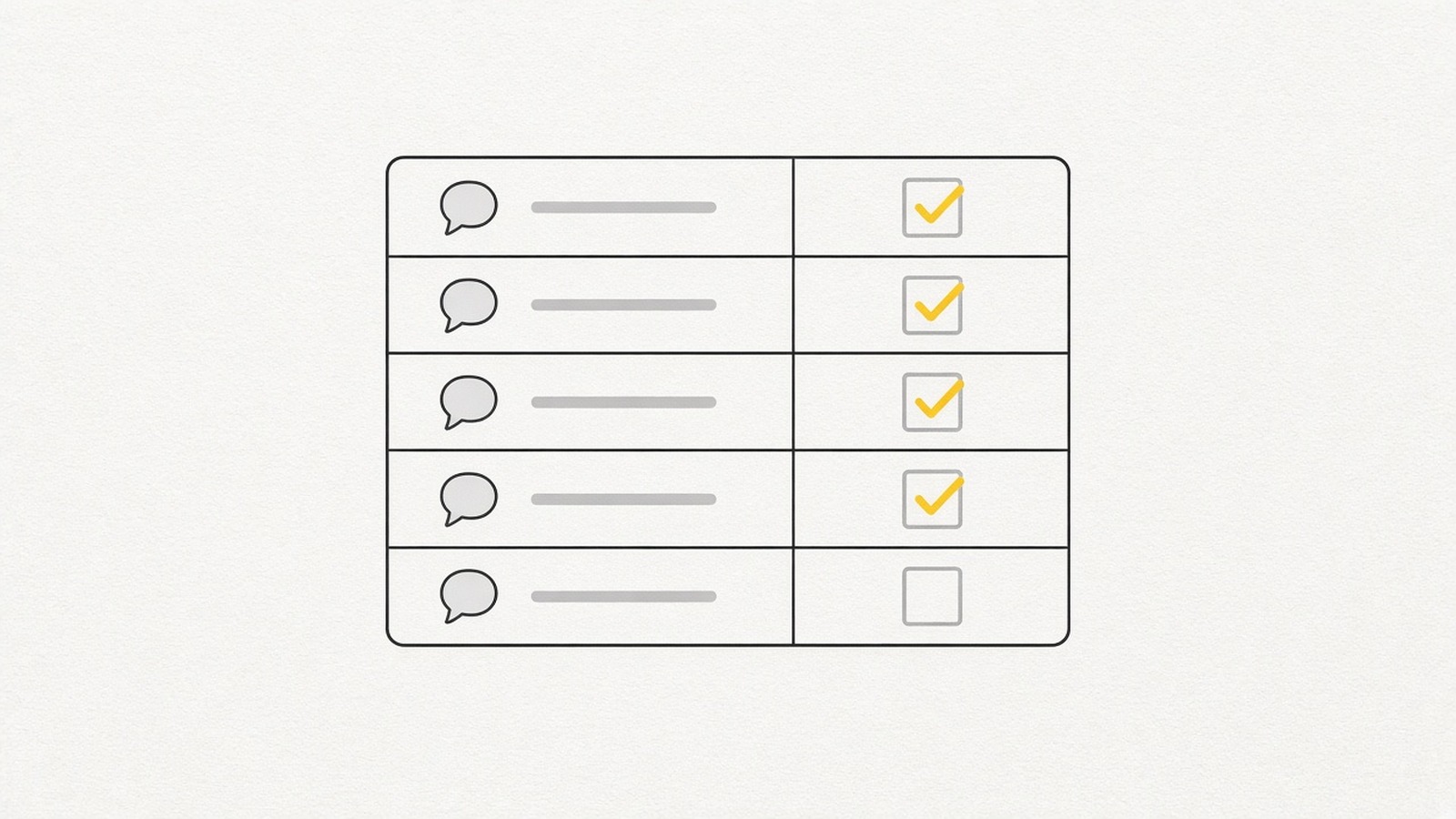
Members on affiliate and pay-per-call networks asked for this one. Some networks reject pages that say "free quote" or show star ratings.
Content rules live under Account → Integrations → Content rules, and you set four things:
- Banned phrases, each with a replacement ("free quote" becomes "quote")
- A required disclosure for every footer
- CTA wording for the quote and call buttons
- A positioning line
The rules are enforced three times. They go into every AI prompt. Every generated reply is checked against them. And they run again at render time over all content and static text, so a page prompt, a template or old copy can't bring a banned phrase back.
To check a site, open its Static text and press "Scan for banned phrases". It shows where the phrases were and confirms the rendered files are clean. If you'd rather not write rules from zero, "Default site text" at account level has a one-click affiliate-safe preset.
If you run pay per call, this is the change I'd set up first.
Launch on the Day You Pick
Noindex Now, Go-Live Later
Under Edit details → Indexing, you can build and publish a site under noindex and set a go-live time. Within 10 minutes of that time, the noindex tag comes off, the site republishes, the sitemap goes to Search Console and IndexNow, and you get an email.
This is the Day -21 method on a timer. Removing noindex was already one click. The problem was remembering to click it on the right day, three weeks after the build. Now you set day 0 when you build, and spend the three weeks on links.
A Contact Form on Every Site
Paste a Web3Forms access key under Account → Integrations. Web3Forms keys are free. Every site then gets a working contact form on its contact page: name, phone, email, message and a spam check.
Need a different key for one site, or no form at all? Each site has its own key field and an off switch under Edit details.
Copy a Working Site to a New City
On any site row, open the ⋯ menu and pick Clone to new market.
The clone keeps what you already tuned: design, page structure, services, blog topics, prompts, models, static text, schema and code settings, and the logo. It resets what belongs to the old city: areas, address, social links, owner persona, photos and domain.
The clone starts as a draft. When you start the build, every page, title, schema block, area page, internal link and image is regenerated for the new city. So the new city gets its own pages, in the shape you already checked once.
Once a site is QA'd, "Mark as template" pins it at the top of the clone picker. One thing to know before you clone 20 times: a clone counts as a new site on your plan.
Edit Hundreds of Pages, Then Change Your Mind
Bulk edit is under Pages → Bulk edit. Filter by page type, then pick an operation: find/replace, set, append, prepend or remove item. Tokens like [city], [area_name] and [company_name] fill in per page. You preview the diff first, then apply, and you can undo the whole batch later.
Every page editor also has a History menu now. It keeps the last 30 saves per page, and you can restore any of them.
The undo matters more to me than the operations. A bulk change you can't take back is the kind of change you keep putting off.
Images and Your Google Business Profile
"Regenerate one AI image" redoes a single image instead of all of them: the hero, the about image, the owner, or one service or blog image. If the new image fails, the old one stays.
For Google Business Profile, set the GBP URL under Identity. The homepage map then shows your listing with a "Find us on Google" button instead of the city map.
Search Console Is Now on Starter
Search Console is now included on the Starter plan ($15), not only on Pro. Five things changed around it:
- "Import all properties" connects every Search Console property you have in one go.
- An all-sites table shows clicks, impressions, CTR, position and indexed pages for each site, over 7, 28 or 90 days.
- A "Sub-services & cities" tab groups queries by service page and by city, with compare and CSV export.
- "Submit to IndexNow" on each site pings Bing, Yandex and the other IndexNow engines.
- The indexed-pages count comes from Search Console wherever a property is connected, instead of a site: estimate.
The Sub-services & cities tab does the grouping I did by hand in my multi-keyword post. That spreadsheet step is a tab now.
The Smaller Fixes
- About and Contact pages no longer carry the primary keyword in their title, meta or H1. A member saw them cannibalizing the homepage in Search Console.
- The base city is optional on state sites. Leave it out and it defaults to the capital.
- Call Insights has Today and This month presets.
Can a Site Have More Than 200 Area Pages?
Yes, with the add-on. Local sites stopped at 200 area pages because of the Cloudflare Pages file cap. The Unlimited area pages add-on (Plans & Billing → Add-ons, $100 one-time) lifts that to 2,000 area pages per site, for every site on your account.
The name says unlimited. The ceiling is 2,000. I'd rather you read that here than find it on page 2,001.
For LeadsXPro Members on Nationwide Sites
Three of the changes are for LeadsXPro members on nationwide PHP sites. A no-claims switch (claims: "none") drops ratings, reviewer names, price promises, response times and free-quote wording. Settings now publish before the tool answers. And append mode means adding a sentence no longer replaces the paragraph, which was the first quote at the top of this post.
Can Claude or ChatGPT Do All of This?
Yes. Everything above is also available through the MCP, with tools like update_website_details, clone_website, bulk_edit_pages, update_content_rules, gsc_subservice_report and indexnow_submit.
What I Didn't Build, and Why
Not every request made it in. Here is what I left out:
- GBP reviews sync. It needs Google API access for each business. The GBP map embed above is what shipped instead.
- Scheduled go-live and IndexNow for PHP sites. Coming, but not in this release.
- A static ZIP export for PHP sites. Not built. Local sites already have Download ZIP.
If one of these is the thing blocking you, send it through Report / Request again and tell me how you'd use it. It helps me decide what goes in next.
Final Thoughts
12 members, 16 reports and requests, three weeks, 24 changes. The how-to for each one is on the Docs page, and every item is live now.
So if something on your site is wrong, or missing, press the button. A short report with an example, like the two quoted above, is the fastest kind to fix.
Press the button. That's where the next release comes from.
Comments
Or discuss it in the Skool communityNo comments yet. Ask a question or share what you tried, and I will reply here.